What it does
azLibrary is a desktop audiobook library manager that keeps large collections understandable: it groups books by author, universe and series, shows the metadata you need, and helps you keep the library clean.
Desktop audiobook library manager
Organize, edit, and browse offline audiobook collections by author, universe, and series while managing covers, metadata, and color tags in one place.
Verified by Microsoft and Apple • Automatic updates
Also coming soon: azPlayer mobile companion for iOS and Android.
azLibrary is a desktop audiobook library manager that keeps large collections understandable: it groups books by author, universe and series, shows the metadata you need, and helps you keep the library clean.
It is especially useful when you keep audiobooks on an external drive, want to manage metadata without relying on cloud sync or a subscription service, or need an offline audiobook organizer for Windows and macOS.
Built for audiobook enthusiasts who want more control over their collections.
Automatically organize audiobooks into a structured library based on authors, universes, series, titles, and other metadata.
Go beyond simple series management by organizing books into larger fictional universes first, then series within them.
Review and update metadata, edit covers, manage narrators, universe information, series, and keep your collection clean and searchable. Color tags help with quick visual categorization.
Store your collection on internal drives, USB drives, external SSDs, or network storage.
Keep files exactly where they are or let azLibrary manage and organize the folder structure for you.
Your collection stays on your computer or drive. No account is required and the app is designed for offline use.
Keep files exactly where they are.
azLibrary stores metadata in its own database without moving or renaming files.
Automatically organize your collection into a structured folder hierarchy.
Import files into a catalog or copy them into the app-managed library folder.
Fix authors, universes, series, covers, narrators, and custom color tags for visual categorization.
Use filters and selections to jump quickly between authors, universes and books.
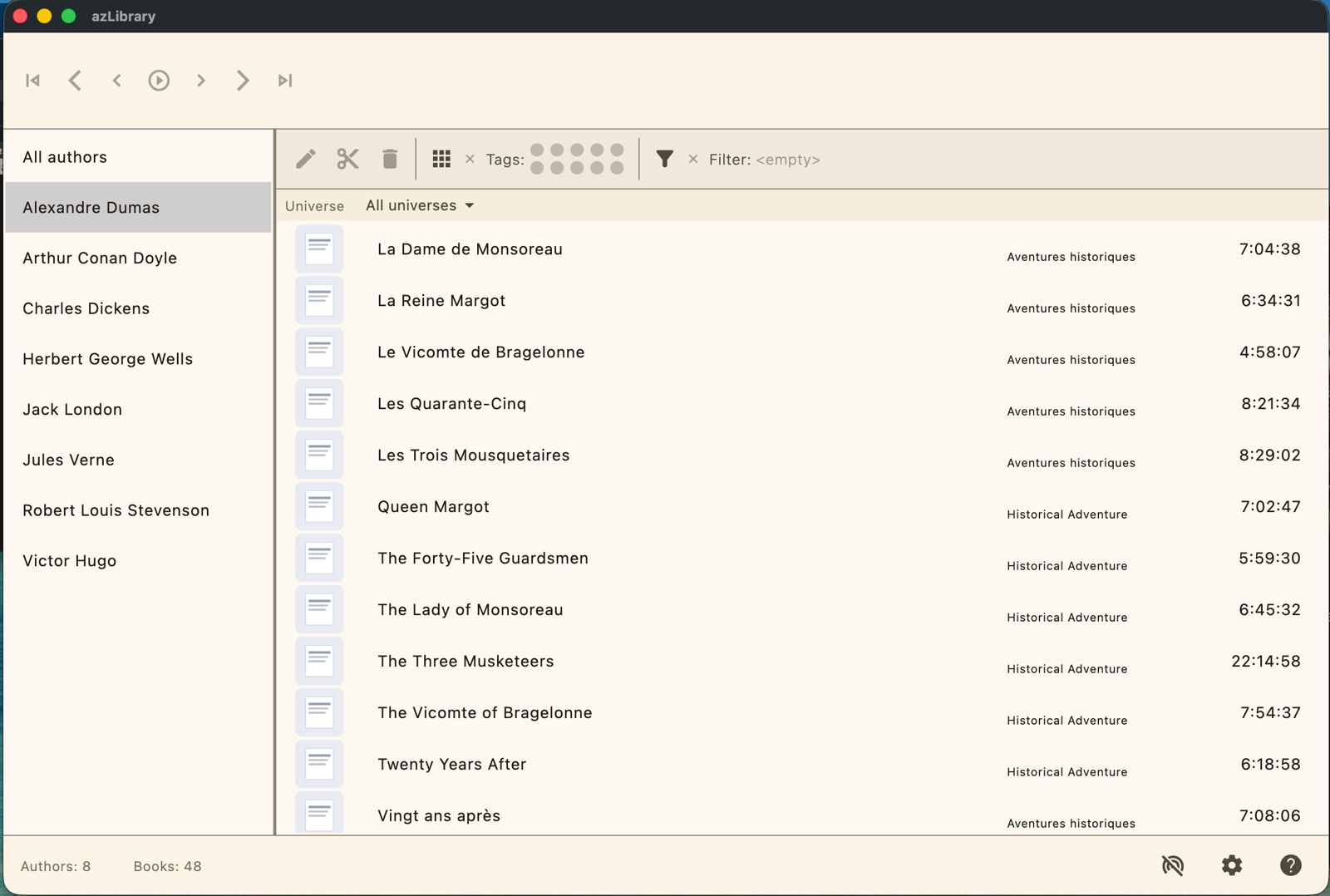
Browse authors, books, universes and series from a single view.
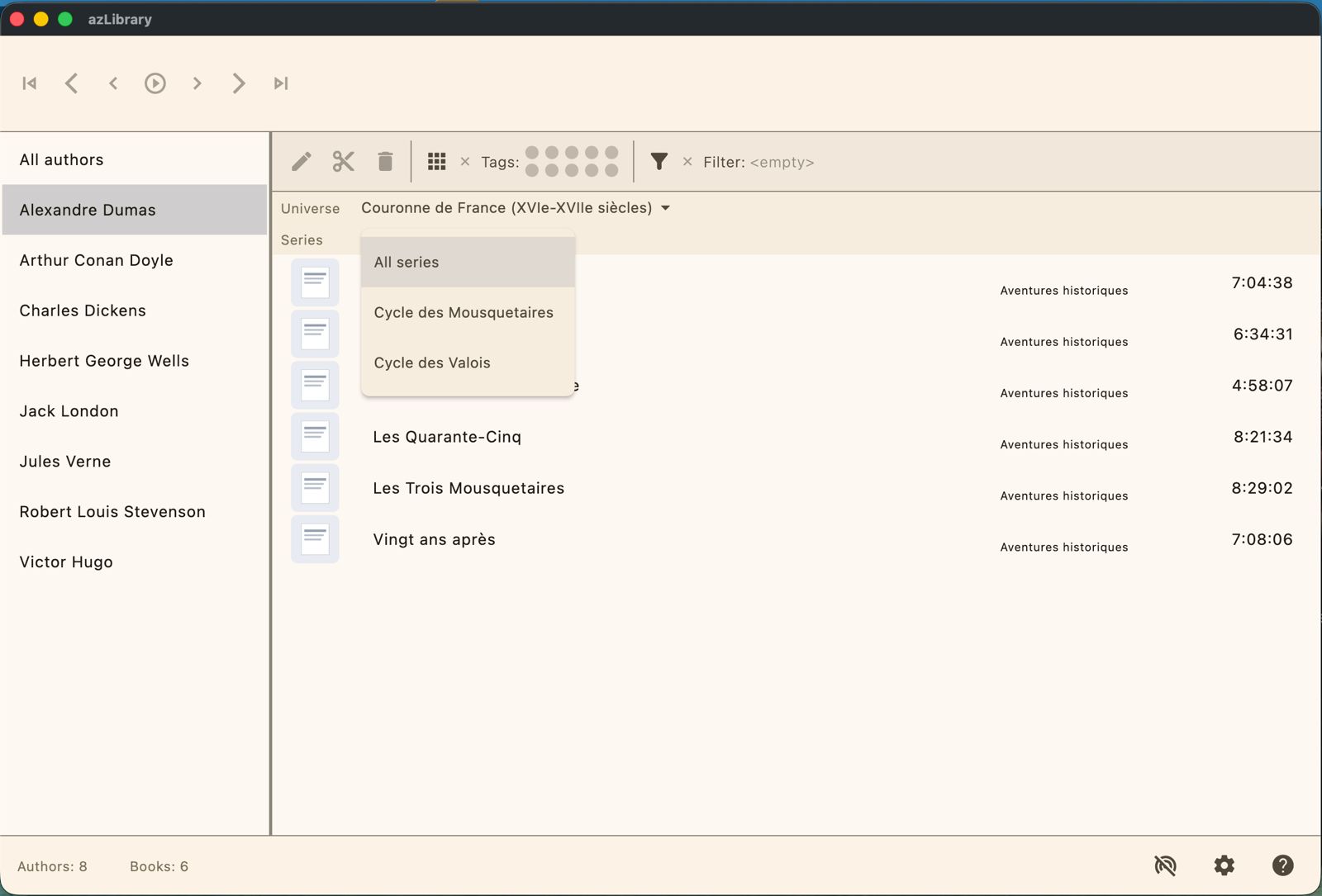
Organize books into universes and the series that belong to them.
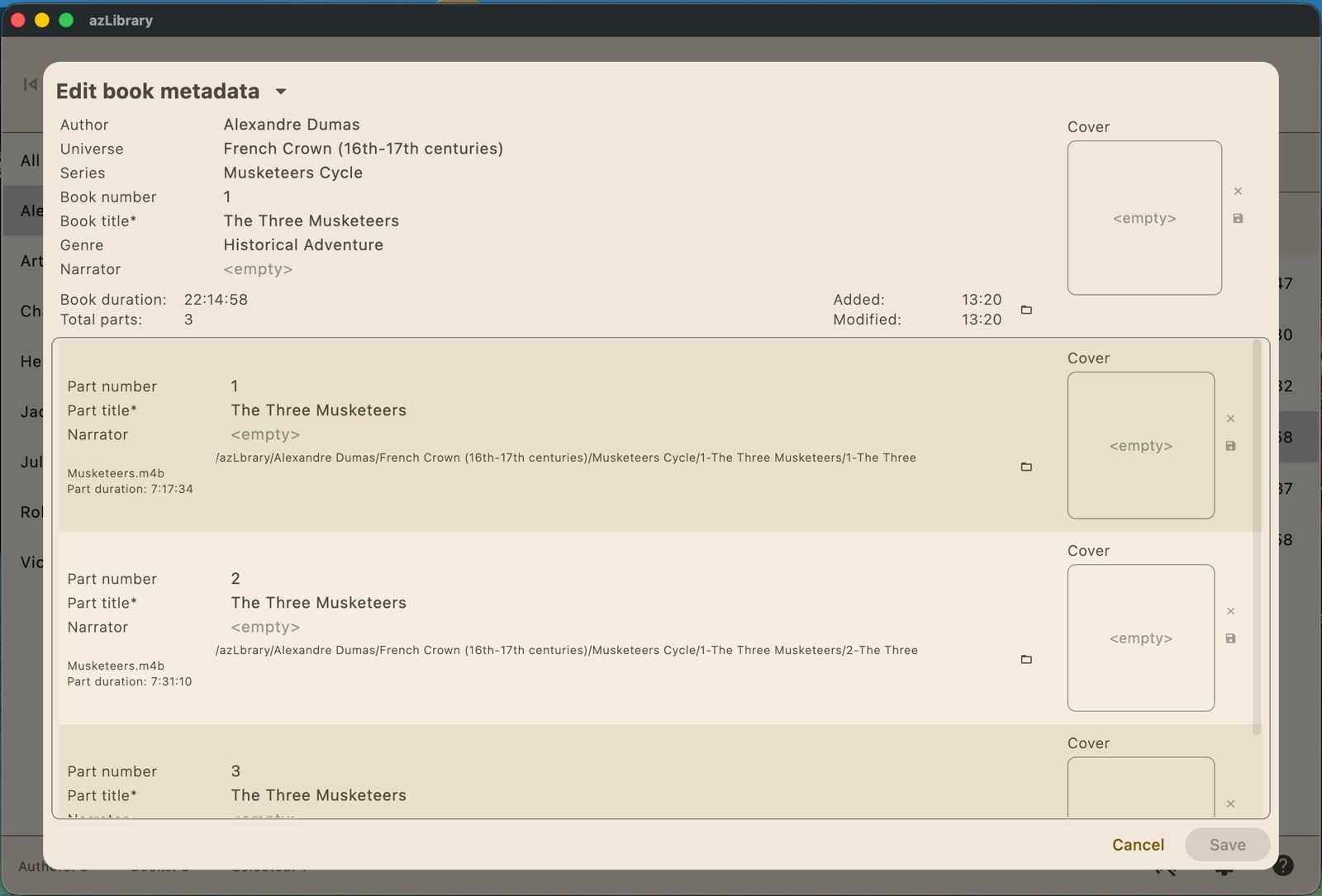
Correct inconsistent metadata, edit covers and manage narrators.
azPlayer is a companion app for mobile platforms, designed for listening on iOS and Android. It works together with azLibrary so you can take selected books from your desktop library to your phone.
You will be able to download books from azLibrary to azPlayer for offline playback while keeping your main collection organized on desktop. Get azPlayer on the App Store or Google Play.
Library files and metadata are stored locally. The app is intended to work without an internet connection.
azLibrary is localized in 7 languages, with more translations planned in the future.
No analytics, no ads, and no hidden data collection.
Works with internal disks, external SSDs, USB drives, and other mounted storage when the OS grants access. Slower drives can affect book imports and metadata editing.
azLibrary does not provide access to audiobook stores, libraries, torrents, or other content sources. It does not download, upload, host, stream, or share audiobook files.
If you enjoy azLibrary and would like to support future development:
Send feedback with a prefilled email template:
If you do not use a mail client, send your message to azlibrary.feedback@outlook.com.
For faster diagnosis, include the app version, operating system, steps to reproduce, and screenshots.
azLibrary is a personal audiobook library manager. It works only with files already legally obtained and provided by the user.
Users are solely responsible for ensuring they have the legal right to use and manage any files added to the app.
Rights-related inquiries: azlibrary.feedback@outlook.com